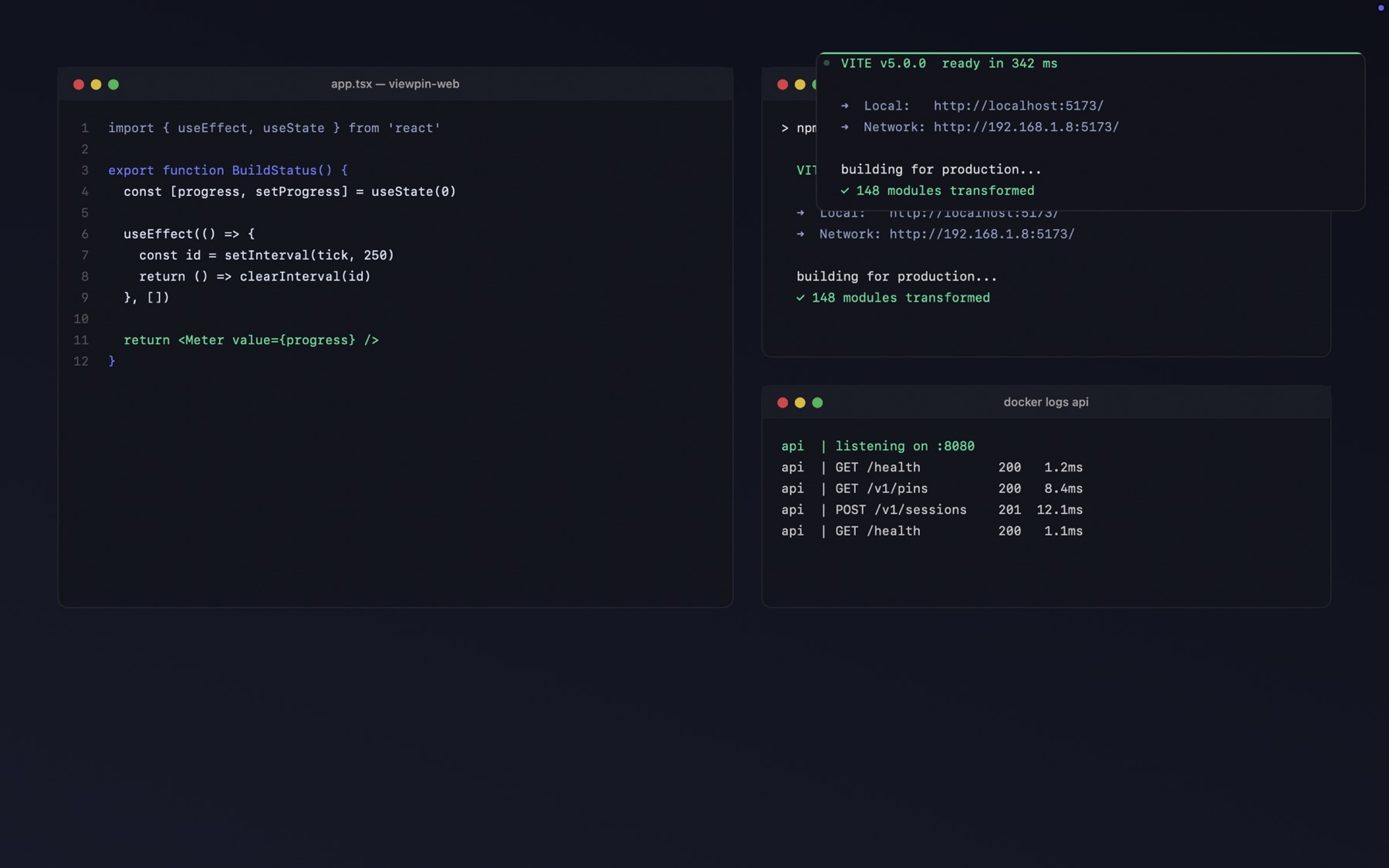
Keep terminals, dashboards, videos and status indicators visible without keeping the whole window open.
Select a region. Release. It keeps updating while you work somewhere else.
How it works
No configuration, no sources to add, no window picker. You draw a rectangle around anything already on your screen.
Press ⌥⌘P from any app and drag a region. A pixel loupe and a live size readout show exactly what you are about to capture.
Release. The region lifts out into a floating window that stays above everything else and never steals focus when you click it.
Switch apps, go full screen, change desktops. The pin stays in sight and keeps updating.
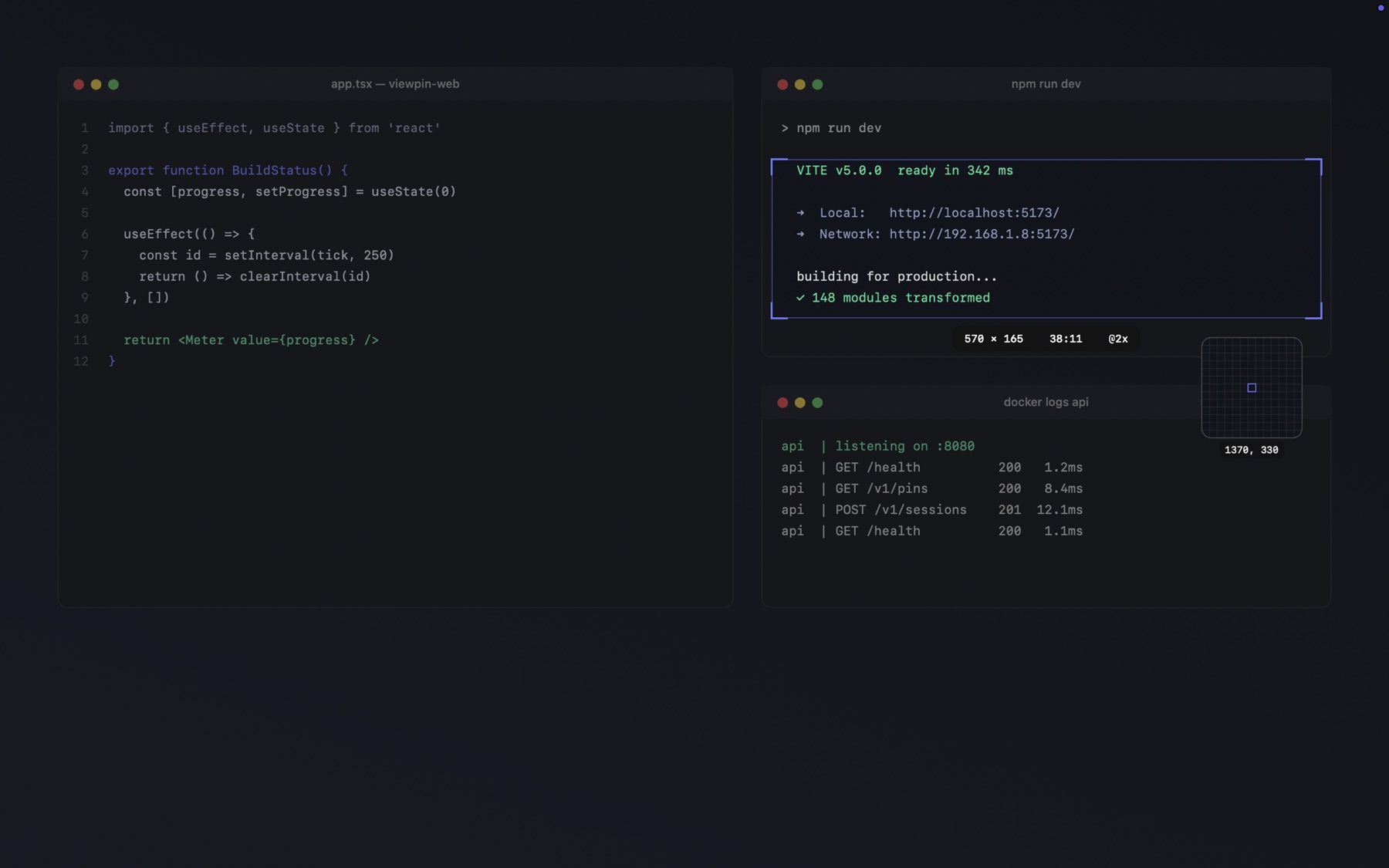
Selecting. The readout gives size, aspect ratio and scale factor before you commit.
What people pin
Watch a compile finish without leaving your editor.
Keep a tail visible while you write the code that produces it.
Grafana, Datadog, CloudWatch — a single panel, not the whole browser.
One ticker or one graph, floating over everything else.
A talk or a match in the corner while you work.
If it renders on your screen, it can be pinned.
The Console
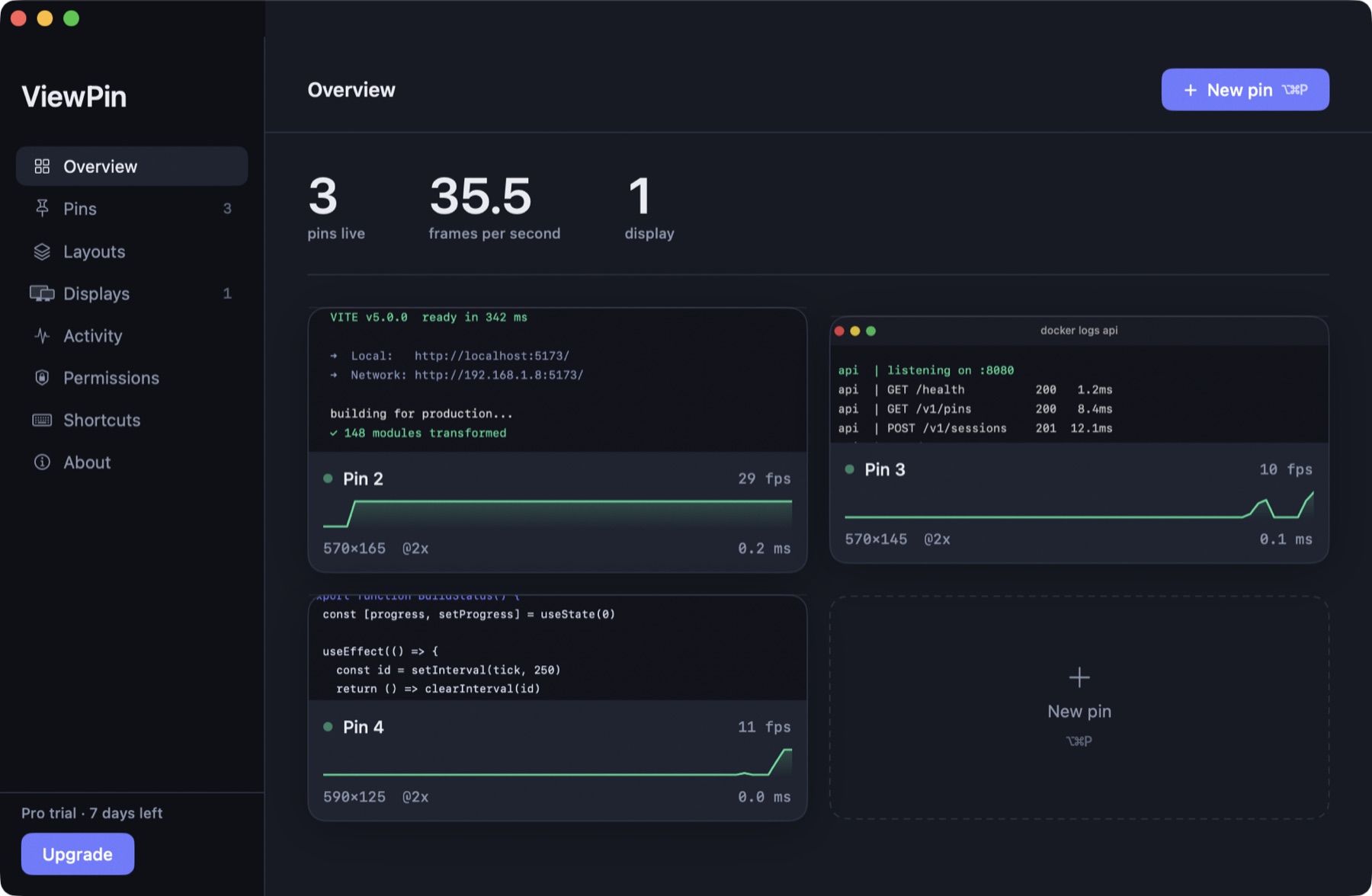
Most utilities ask you to trust that they are light. ViewPin reports its own frame rate, latency and load, per pin, continuously.
The activity trace on each card is real: ScreenCaptureKit tells ViewPin when a region did not change, so the graph shows whether your build is actually doing anything — for free, from data the capture already produces.

Every pin appears as its own moving picture — the real capture, not an icon.
Privacy
ViewPin is a viewer, not a recorder. Frames go from ScreenCaptureKit straight to a window and are never written anywhere.

Pricing
Not a countdown, not a nag screen. If one pin is all you need, that is a complete product and it costs nothing.
No account, no expiry
once, plus GST · every future update included
Every download includes a 7-day Pro trial. When it ends you drop to Free — you are never locked out.
Three pins running at once measured 7.1% CPU and 64 MB on an M-series MacBook. ViewPin uses ScreenCaptureKit and hands frames straight to the GPU, and it skips work entirely when a region has not changed — a static terminal costs almost nothing to keep pinned.
Nowhere. ViewPin is a viewer. Frames travel from the system capture API to a window on your Mac and are discarded. Nothing is written to disk or sent over a network. macOS still asks for Screen Recording permission, because that is the permission that governs reading the screen at all.
A pin captures a rectangle of the display, not a window, so it keeps showing whatever is at those coordinates. Move the source window and the pin shows what is now underneath. Following a specific window as it moves is on the roadmap, not in this version.
No. Every download starts with 7 days of Pro. After that you keep the free tier permanently — one pin, full quality, no nag screens.
Several. Activate on each Mac with the key from your receipt. Your licence works offline; ViewPin re-checks it quietly when it can and never stops working because a network is unavailable.
Yes. Pin regions on any connected display, at any scale factor. The Console draws your actual monitor arrangement to scale and shows which pin is where.